The Secret Behind the First Line of Linux Scripts: What Exactly Are #!/usr/bin/env bash and #!/bin/bash?
When writing a script in Linux, it's common practice to start with one of these lines:
#!/usr/bin/env bash
or
#!/bin/bash
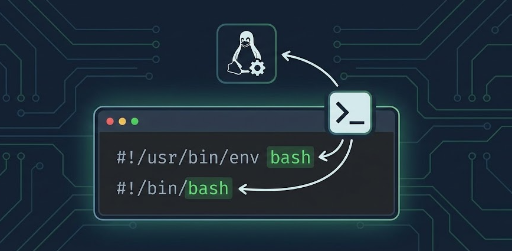
They might look like mere comments at first glance, but what is the true identity of this single line? And what exactly are the differences between the two? In this post, we'll thoroughly understand this crucial line, clarify its purpose, and discuss when to use each method.
1. Not a Comment: What is a shebang?
This line, starting with #!, is called a shebang.
#!/bin/bash
From a shell's perspective, starting with # certainly makes it look like a "comment".
However, from the operating system's (kernel's) perspective, it's not a comment but rather:
"An instruction that tells where the interpreter program to execute this script is located."
This means:
#!/bin/bash→ "Execute this file with/bin/bash"#!/usr/bin/env bash→ "Find thebashinterpreter viaenvand execute this file with it"
2. How Does the Kernel Execute Scripts?
Simplifying the execution process, it works like this:
- The user executes a script with execute permissions
chmod +x script.sh
./script.sh
- The kernel reads
script.sh - It checks if the first two characters of the file are
#! - If they are, it interprets the rest of the line as:
- "the interpreter's path + arguments" and
- executes that program, passing the script file path as an argument.
For example, if script.sh's first line is:
#!/bin/bash
The kernel's actual action can be roughly thought of as:
/bin/bash script.sh
In essence, the kernel performs a similar action to what we would do by directly running bash script.sh.
Note: There must not be any spaces before
#!/. The first character of the file must be#, and the second must be!.
3. Meaning and Characteristics of #!/bin/bash
This is the most frequently seen form.
#!/bin/bash
Meaning
- "This is a bash script, and
bashis located at/bin/bash." - The kernel always executes
/bin/bashwhen running this script.
Advantages
- Clarity: Since
/bin/bashis always used, it's easy to predict which bash will be executed. - Performance/Simplicity: It executes directly without going through
env, so there's no path lookup process. - In many Linux distributions,
/bin/bashis virtually considered a "standard location".
Disadvantages
-
May not be portable
- On some systems, bash might be located at a different path, such as
/usr/bin/bashor/usr/local/bin/bash. - Some systems might not have bash installed at all, only
/bin/sh. - Paths can differ, especially on macOS, BSD-based systems, NixOS, and certain container environments.
- On some systems, bash might be located at a different path, such as
4. Meaning and Characteristics of #!/usr/bin/env bash
This is a form commonly seen in modern scripts.
#!/usr/bin/env bash
The key here is /usr/bin/env.
-
envis a utility that helps with "setting/checking environment variables + searching for programs in PATH". -
You can think of the kernel actually executing it like this:
/usr/bin/env bash script.sh
envlooks at the system'sPATHenvironment variable and finds thebashexecutable within it to run.
Advantages
-
Portability (Works well in various environments)
- Whether bash is in
/bin/bash,/usr/bin/bash, or/usr/local/bin/bash, envwill find it as long as it's properly registered inPATH.
- Whether bash is in
-
Uses bash appropriate for the user's environment
- If a user has customized their
PATHto prioritize a specific bash version, that bash will be used.
- If a user has customized their
-
Same pattern used in Python and other languages
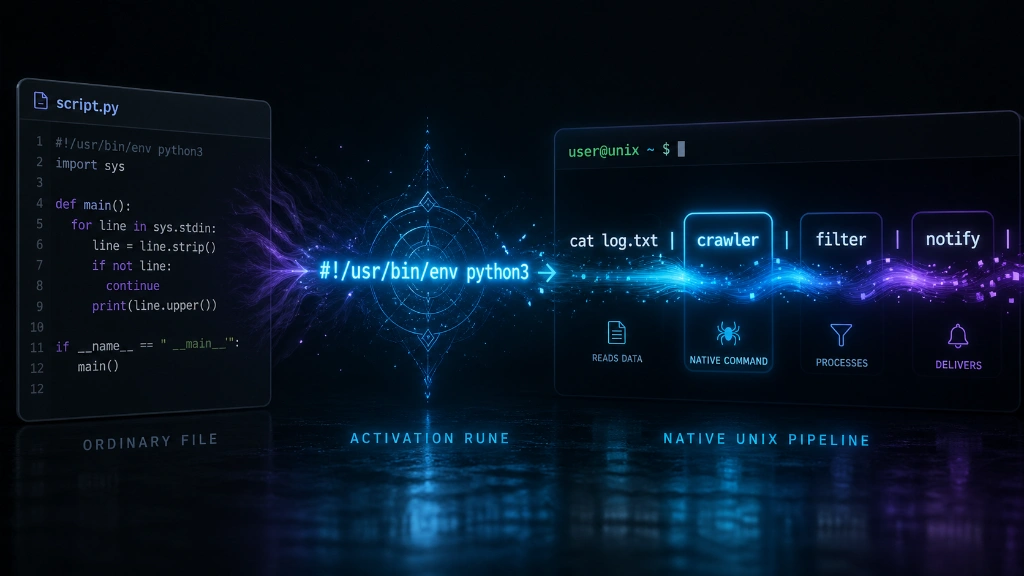
#!/usr/bin/env python3
Disadvantages
-
Prerequisite:
/usr/bin/envmust exist- While present on almost all modern Unix/Linux systems, it might not be in very specialized environments.
-
Different interpreters might be picked up depending on PATH
- If the PATH configuration is misconfigured or an unexpected bash is found first, an unintended version might be executed.
-
Requires caution from a security perspective
- In highly security-sensitive environments, absolute paths are sometimes preferred over PATH-based interpreter lookup.
5. Comparison Summary of Both Methods
Let's summarize with a simple comparison table.
| Category | #!/bin/bash | #!/usr/bin/env bash |
|---|---|---|
| Interpreter Location Method | Absolute path fixed | Searched via PATH |
| Portability (Multi-system compatibility) | Low (breaks if path differs) | High (OK if bash is in PATH) |
| Which bash is used | Always /bin/bash |
First bash found in PATH |
| Guaranteed intended version | Relatively easy | Can vary depending on PATH status |
| Security/Control | Stronger (fixed path) | Slightly looser (PATH dependent) |
| General modern trend | Relatively older style | More often recommended nowadays |
6. When to Use Which Method?
To answer the question, "So, what should I use?", let's break it down by situation.
1) Personal / Team Development Scripts (General Development Environment)
- Generally, the following is recommended:
#!/usr/bin/env bash
-
Reason:
- The bash location might differ across developer-managed servers, local environments, CI environments, etc.
- PATH-based lookup and execution is more flexible, and modern tools/scripts prefer this approach.
2) Operational Scripts Tailored for Specific Server Environments
-
For instance, if all servers within a company commonly have bash installed at
/bin/bash, and -
the server environment is quite stable:
#!/bin/bash
-
Reason:
- Ensures the use of the same interpreter every time.
- Reduces unexpected behavior caused by PATH modifications.
3) If You Want Maximum Portability?
-
If you're in an environment where you think "bash might not even be present?", then you should reconsider if a bash-dependent script is appropriate in the first place.
-
If possible, write it in
sh:
#!/bin/sh
- This will run in a much wider range of environments. However, you must avoid bash-specific syntax (
[[ ]], arrays, extended string processing, etc.).
7. Practical Tips When Using #!/usr/bin/env bash
1) How to Execute the Script
To properly leverage shebang, instead of just doing this:
bash script.sh # ← Executing this way largely ignores the shebang
it's better to use it as follows:
chmod +x script.sh   # Grant execute permission
./script.sh          # Execute directly
This way, the kernel reads #! and uses the specified interpreter.
2) Checking Argument Passing
For example, let's say you create test.sh as follows.
#!/usr/bin/env bash

echo "Interpreter: $0"
echo "Arguments: $@"
Execution:
chmod +x test.sh
./test.sh hello world
Output:
Interpreter: ./test.sh
Arguments: hello world
Here, $0 is "the script file's own path", and you just need to remember that the kernel is actually executing it like /usr/bin/env bash test.sh hello world.
8. Frequently Asked Questions
I've seen scripts written without a shebang. Why is that?
-
That's correct, it's not always necessary.
-
If you explicitly specify the interpreter for execution as shown below, a shebang is not needed. Even if a shebang is present, it will be ignored.
bash myscript.sh
python3 myscript.py
- However, if you want to execute it like this, it is absolutely necessary.
./myscript.sh
./myscript.py
- Especially for "tool-like" scripts that others might use, a shebang is almost essential.
"I've seen #!/bin/env used instead of #!/usr/bin/env. Is that also valid?"
- Some systems might have
/bin/env. - However,
/usr/bin/envis generally a much more common standard location. - Unless there's a specific reason, using
#!/usr/bin/env …is safer.
9. Summary
#!/usr/bin/env bashor#!/bin/bashis not a comment, but an instruction to the kernel telling it 'which interpreter to use to execute this script'.-
#!/bin/bash- Always uses
/bin/bash→ Predictable in fixed environments, but may not be portable -
#!/usr/bin/env bash -
Finds bash in
PATH→ More flexible and portable, but affected by PATH status - For general development/deployment environments, if you're writing scripts in a 'modern style', using
#!/usr/bin/env bashas the default can be recommended.
- Always uses




There are no comments.