My Experience Installing FlashAttention 2 for Model Inference on DGX Spark
Installation Background

While I didn't experience significant issues with inference speed after installing MOSS-TTS, I was curious to see the actual improvements FlashAttention 2 could offer in terms of faster inference and reduced GPU memory usage. This led me to proceed with its installation.
What is FlashAttention 2 and How Does it Improve Inference Efficiency?
I understand FlashAttention 2 as an implementation designed to process Attention operations more efficiently within Transformer architectures. My hypothesis was that it improves speed and memory efficiency by reducing memory access and intermediate tensor generation during Attention calculations, or by optimizing the computational flow. However, I anticipated that its effectiveness might vary depending on factors such as model architecture, input length, dtype (torch.float16 / torch.bfloat16), and GPU architecture.
Installing FlashAttention 2 on DGX Spark
The MOSS-TTS README includes the following statement:
FlashAttention 2 is only available on supported GPUs and is typically used with torch.float16 or torch.bfloat16
Given its compatibility with torch.float16, I concluded that it should be usable on DGX Spark and proceeded with the installation attempt.
1. Pre-installation Checks
-
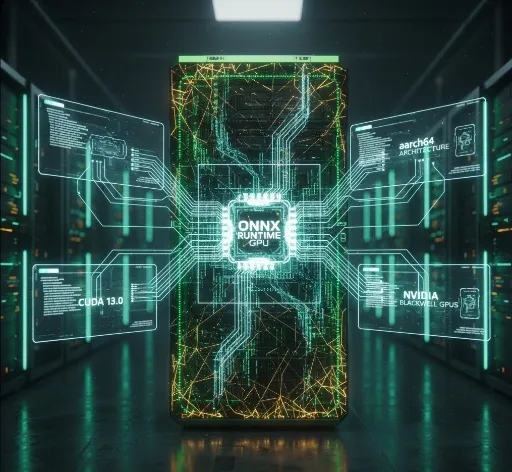
Since DGX Spark uses CUDA 13.0, I installed dependency packages by specifying
--extra-index-url https://download.pytorch.org/whl/cu130. I also verified the CUDA version usingnvidia-smifor confirmation. -
During the installation, when PyTorch was being located, I had to use the PyTorch already installed in my existing venv environment. To prevent the creation of a temporary isolated environment during the build within the venv, I included the
--no-build-isolationoption. -
Wheel installation failed in the Spark environment, and the following was output in the installation log. This is due to the aarch64 architecture. Having encountered this frequently while using Spark, it no longer surprises or frustrates me; it's a familiar message.
Precompiled wheel not found. Building from source...
There was no alternative but to proceed with a source build. As ninja is required for the source build process, I installed it in the venv.
bash
  pip install ninja
- The host system requires Python 3.12 development libraries, so install them if you don't have them.
sudo apt update
sudo apt install python3.12-dev -y
flash-attn compiles C++ and CUDA code to link with Python, which requires the Python.h file, defining Python's internal structure. This file is typically not included in standard Python execution environments, necessitating the separate installation of a developer package.
2. Installation Command
This is the core of this post. Considering all the points mentioned above, I installed it using the following command:
TORCH_CUDA_ARCH_LIST="12.0" MAX_JOBS=1 pip install --no-build-isolation --extra-index-url https://download.pytorch.org/whl/cu130 -e ".[flash-attn]"
3. Rationale Behind the Command (Decided Through Trial and Error)
Initially, gpt-oss-120b was also running on the machine. When I executed pip install ... -e ".[flash-attn]" under those conditions, CPU usage spiked dramatically, causing the system to freeze and the terminal to become unresponsive. I had to force a reboot using the physical power switch. After that, I shut down all resource-intensive tasks and focused solely on the installation.
After several trials and errors, I successfully completed the installation with the command above. The total time taken was approximately 1 to 2 hours. While I didn't measure it precisely, the installation ran for over an hour, and it was complete when I returned after a meal.
During the installation, memory usage consistently felt like it was around 24GB. The real issue was the CPU, and it was more stable to suspend other tasks to allow the installation to proceed without interruption.
The reasons for including the options are as follows:
TORCH_CUDA_ARCH_LIST="12.0": The goal was to shorten installation time by explicitly targeting only the Blackwell architecture.MAX_JOBS=1: This was set conservatively to 1 due to the previous experience of the system freezing. As a result, the installation took over 60 minutes.
Post-Installation Inference Improvements
1. Speed
Honestly, the speed improvement wasn't dramatically noticeable. Even without FlashAttention, the inference was already quite fast, so even if there was a reduction of a few seconds, the subjective feeling of 'it's definitely faster' wasn't strong.
- Generating a 7-second output took approximately 8-9 seconds.
- Generating a 25-second output took approximately 32 seconds.
- A 16-second output took 21 seconds.
In other words, the inference time felt roughly 1.3 times the length of the generated output.
2. Memory
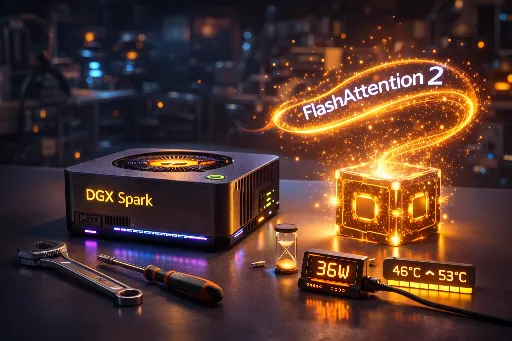
Memory usage also showed little change. I continuously monitored nvidia-smi readings during inference, but there was no noticeable increase or decrease in memory consumption. During inference, power consumption hovered around 36W, and the temperature rose from about 46°C to 53°C.
Summary
- In the DGX Spark environment, FlashAttention 2 installation via wheel failed, so I installed it from source.
- The installation itself was successful, but the build time was long, and CPU load was considerable.
- Post-installation, the perceived improvements in speed and memory were not as significant as anticipated.
- If I were to build it again, I would likely increase
MAX_JOBSto around 4. This should theoretically reduce the build time by about a quarter.
Related Post



There are no comments.